
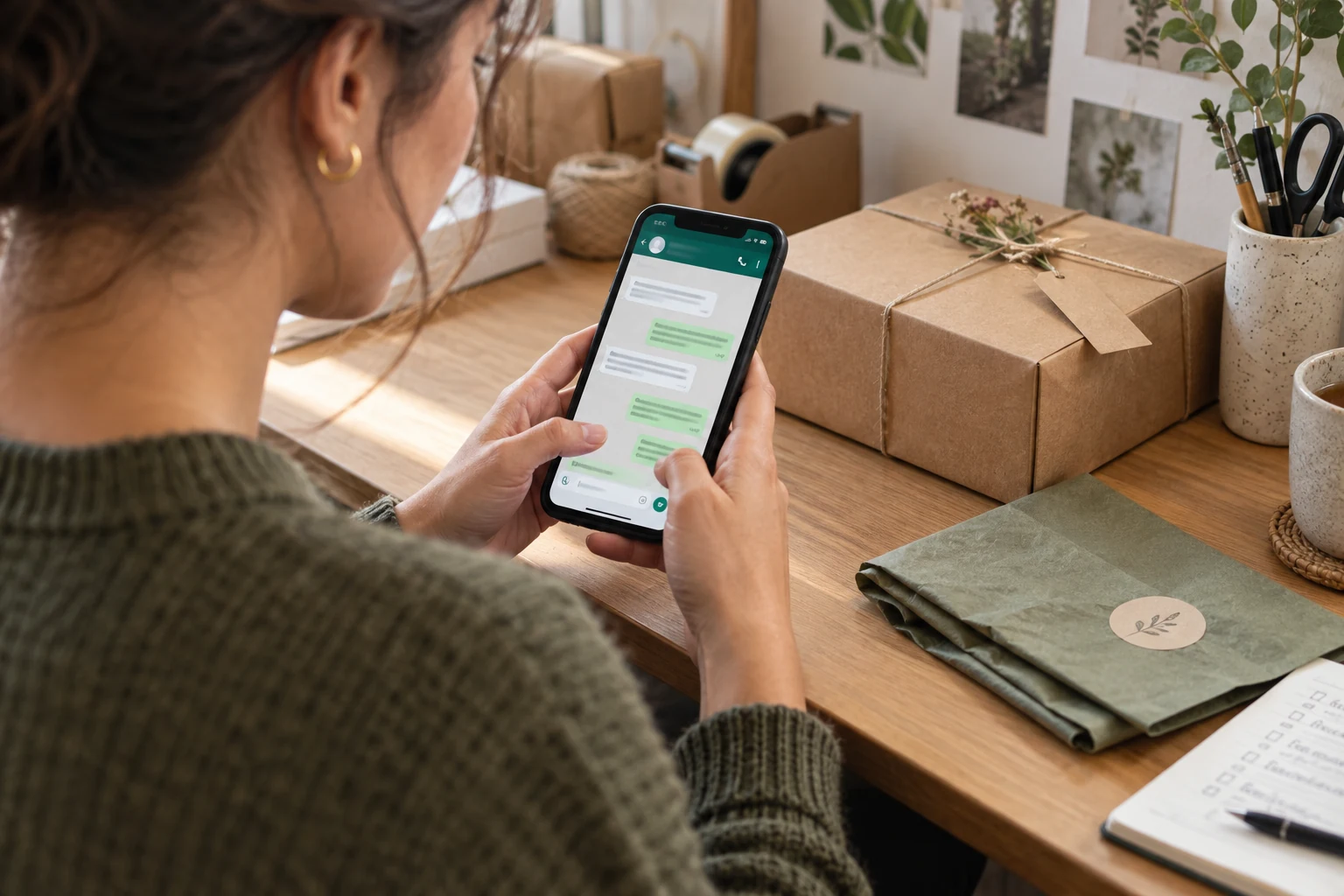
The WhatsApp Business app gives a small business a dedicated way to handle customer conversations. For a UAE company, it can be useful when buyers need to ask about availability, share a brief or clarify an order before proceeding. The important part is having a reliable response process behind the contact button.
This article was originally a launch announcement. It has been updated into a practical guide to using the app for enquiries, with links to WhatsApp’s current product and messaging guidance.
What the WhatsApp Business app is designed to do
Meta describes the WhatsApp Business app as a product for small businesses. It includes a business profile and tools for presenting products and responding to customers. These features can make routine conversations easier to organise, but they do not replace accurate product information or a team member who can resolve a question.
Start by deciding what belongs in a chat. A quick availability question may fit well. A complex proposal may need a short conversation followed by a written brief or a meeting. Give customers a clear route to the next stage.
Set up the profile around customer needs
Use the business name people recognise and keep the contact details consistent with your website. Explain what you provide and where you operate. If customers can visit a physical location, check the address and hours carefully.
Link to a page that answers common questions. A customer asking about a service should be able to review its scope without waiting for a long message. The Media Lab’s website design service can help organise those destination pages as part of the wider enquiry journey.
Test the link before promoting it
Open your website’s WhatsApp button from a phone and a desktop. Confirm that it starts a conversation with the correct business number. If you use a prefilled message, keep it short and relevant; do not ask the visitor to send unnecessary personal details.
Build a response process the team can maintain
Agree who checks messages during working hours and who covers absences. An unanswered chat can be as frustrating as an unanswered form. If a reply will take time, give a realistic expectation rather than promising an instant response that the team cannot deliver.
Prepare concise answers to recurring questions. They might cover delivery areas, the information needed for a quote or how to arrange an appointment. Review each reply before sending it so that it addresses the person’s actual question.
A useful first response usually does three things:
- Acknowledges what the customer is asking.
- Provides the information already available.
- Asks only for the missing detail needed to move forward.
For example, a service business could ask for the project type and intended date before requesting a detailed brief. A retailer could confirm the product and delivery area before discussing the order. These are example workflows, not automated replies that should be sent in every situation.
Keep promotional messaging separate from customer support
A person contacting you about an order should not unexpectedly receive unrelated offers. WhatsApp’s Business Messaging Policy requires a phone number and opt-in permission before subsequent messages or calls, and says businesses must respect opt-out requests. Check the current policy when designing your process.
Record the reason for contacting someone and the permission that supports it. Make it easy for a customer to stop promotional communication. Do not treat a purchased contact list as a substitute for a relationship with the people on it.
Keep access to customer conversations limited to the people who need it. Avoid copying private messages into public content or campaign reports. A marketing report can usually describe the type and number of enquiries without identifying individual customers.
Connect campaigns to conversations carefully
A social post that invites enquiries should explain what the customer can ask about. “Message us for availability” sets a clearer expectation than a vague invitation with no context. Ensure the person answering knows which offer or campaign is running.
Our social media marketing service can connect campaign messaging with the information customers need next. The destination, response and offer should tell the same story.
Review the quality of conversations, not just the number of clicks on a WhatsApp link. A click does not prove a message was sent. A message does not prove a sale. Keep these stages separate when evaluating performance.
Know when to review a more advanced setup
As enquiries grow, list the practical problems your team faces. Are messages being missed? Do several people need a coordinated handover? Is information being re-entered in another system? Use those needs to assess whether the current app workflow is enough.
Do not assume that the Business app and a more advanced platform setup have identical features, pricing or operating rules. Review the official product information and any proposed provider’s scope before changing systems. A tool should solve a defined problem rather than add complexity without a clear benefit.
A simple weekly review
Set aside time to review unresolved enquiries, outdated saved replies and recurring questions. If many people ask the same thing, improve the website or campaign content that led them to the chat. This can reduce repetitive work and help customers make better-informed enquiries.
Track a few useful outcomes consistently: enquiries received, enquiries answered, next steps agreed and unresolved issues. Add the context needed to interpret them. A busy launch week and a normal week may create very different workloads.
Common questions
Can WhatsApp replace a contact form?
It can provide an additional route, but some customers prefer a form or email. Keep suitable options available and make sure each reaches the right person.
Should every message use a saved reply?
No. Saved wording can help with repeated information, but it should fit the question. Personal attention matters when a customer’s needs are more specific.
What should we check first?
Check the business profile, the destination number, response ownership and the information customers need most often. Then review how your website and social content introduce the conversation.
To improve the path from campaign interest to a useful enquiry, talk to The Media Lab about your website and social media content.